Hypic vs Photoshop: Best for Basic Edits?
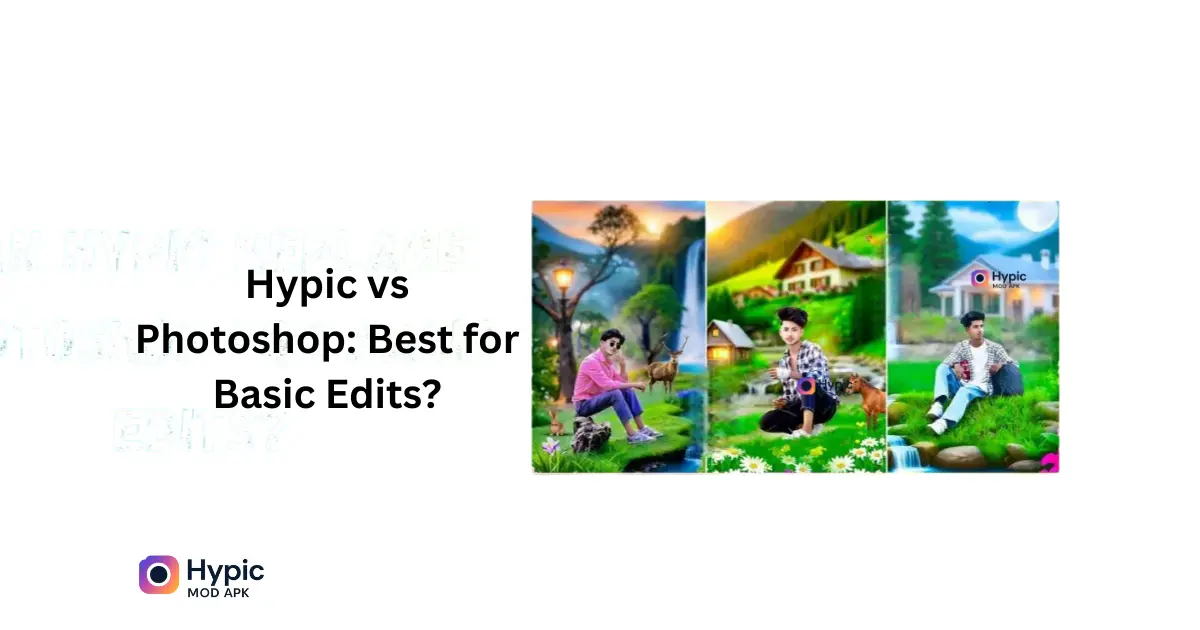
Certainly, Hypic can be used as an alternative to Photoshop during some basic editing tasks.
Apart from that, it is equipped with powerful AI tools that help enhance one’s photos with a single tap, as well as provide easy navigation for beginners, all for free.
In this post, we shall investigate Hypic’s usage for every single average user in comparison with Photoshop.
Hypic vs Photoshop: A Summary Comparison
Photoshop is for professional editing software. Hypic, on the other hand, is a free artificial intelligence photo editor.Hypic is fast and simple and very efficient for the quickest possible edits such as those for brightness and contrast adjust, cropping, background removals, and filters. Photoshop is much more about complexity and so more directed at advanced designers.
Best Basic Photo Editors Tool Comparison
| Function | Hypic Photo Editing Tool | Professional Photo Editing Software |
| Image Cropping and Resizing | One-Click | Pro Settings |
| AI Photo Enhancer | AI-Enhanced | Manual Controls |
| AI Background Remover | AI One-Tap | Smart or Manual Editing (Premium) |
| Photo Effects & Presets | Huge Variety of Presets | Personalized Filters |
| Multi-Layer Editing | Not Yet Released | Complete Assistance |
| Photo Text Editor | Standard Fonts | Enhanced Text Design |
| AI Photo Retouch | AI Features | Advanced Editing Tools |
| User-Friendly Interface | Perfect for Beginners | Complex for New Users |
| Pricing Plans | Free to Use with Premium Options | Premium Access Required |
Why Hypic Is the Best Photoshop Alternative in 2025
Hypic makes photo and video editing effortless with its advanced AI tools, enabling anyone to create professional quality results. Even without prior experience, you can achieve stunning edits quickly and easily.
Benefits of Hypic Ai Photo Editor
- Free: Most tools don’t require a subscription fee.
- Speed: One tap AI adjustments can be done quickly.
- Artistic Filters: These add various artistic effects to photos.
- Easy to Use: Designed especially for casuals and the novice.
Who Can Use Hypic?
- Students conducting a project
- Bloggers or content creators
- Small business people
- Social media influencers
For anything that needs beautiful results in little time, Hypic is just perfect.
Top Basic Photo Edits You Can Do Easily in Hypic App
Many users wonder if Hypic can replace Photoshop for their editing needs. With its powerful AI tools, Hypic lets you create professional-quality edits easily and efficiently. You can achieve stunning results without any advanced skills or additional software.
The answer depends on what you mean by basic.
Hypic Covers
- Trimming and Rotating
- Enhancing image quality
- Removing backgrounds from image
- Text addition
- Using Filters and Effects
- Collage making and poster making
- AI-Powered Art and Design
Supported File Formats in Hypic App (Complete Guide)
Hypic supports the files bearing extensions JPG, PNG, and WebP.Export quality is set to high resolution.Direct sharing to Instagram, Facebook, and WhatsApp.
Limitations of Hypic App You Should Know Before Using
1: Hypic isn’t made for professionals.
2: When working with PSD files, smart objects, layer masking, or heavy retouching, Photoshop would win.
The following are the features not included in Hypic
- Layer Control and Organization
- Image Blending Options
- Bulk Editing
- 3D Design and Modeling
- Advanced Object Handling
- RAW Image Processing
Hypic’s AI Solutions That Claim the Manual Photoshop Work
Hypic uses smart AI technology to simplify editing, removing the need for manual masking or complex adjustments. It saves time while delivering high-quality, professional-looking results with just a few simple taps.
The best of Hypic AI Science Applications
- AI Background Remover: Free background removal tool
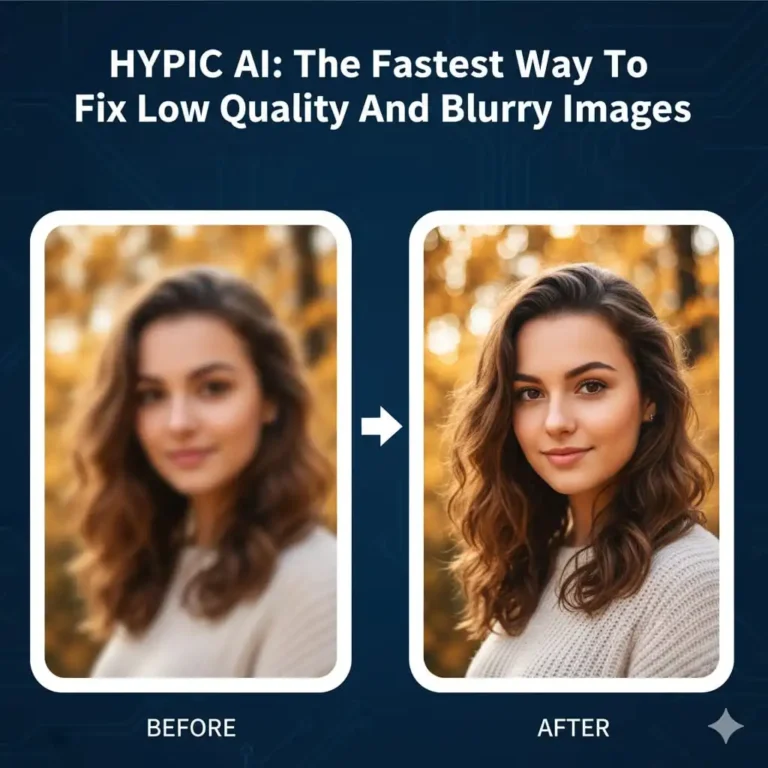
- AI Photo Enhancer: Enhances sharpness of images, adjusts lights and detail
- AI-Powered Filters: converts photos into painting-type masterpieces
- AI Skin Enhancer: retouches selfies or portraits with just a click
These tools can make your job nearly automatic.
Hypic for mobile users; better than Photoshop Mobile?
Yes, for the typical user. Adobe Photoshop Express is limited without a subscription. Hypic offers a lot more features for free.
Mobile App Comparison
| Function | Hypic | Photoshop Online Editor |
| Free Editing Tools | Wide Range | Exclusive Range |
| AI Photo Editing | Wide Range of Options | Limited Choices |
| Photo Collage Editor | In-App Feature | Separate Requirement |
| Add Free | Ad-Free Experience | Ad-Supported |
Photoshop vs Hypic: Is It Time to Switch?
Hypic is very good for casual use. Professionals will always need Photoshop. If you desire editing of photos for social media, Hypic will suit your needs.
Conclusion
Hypic is simply one of the best free image editors that cater to daily routine tasks. When it comes to simple editing jobs, Hypic is a good substitute for Photoshop, mainly due to AI-assisted features, intuitive design, and free accessibility.